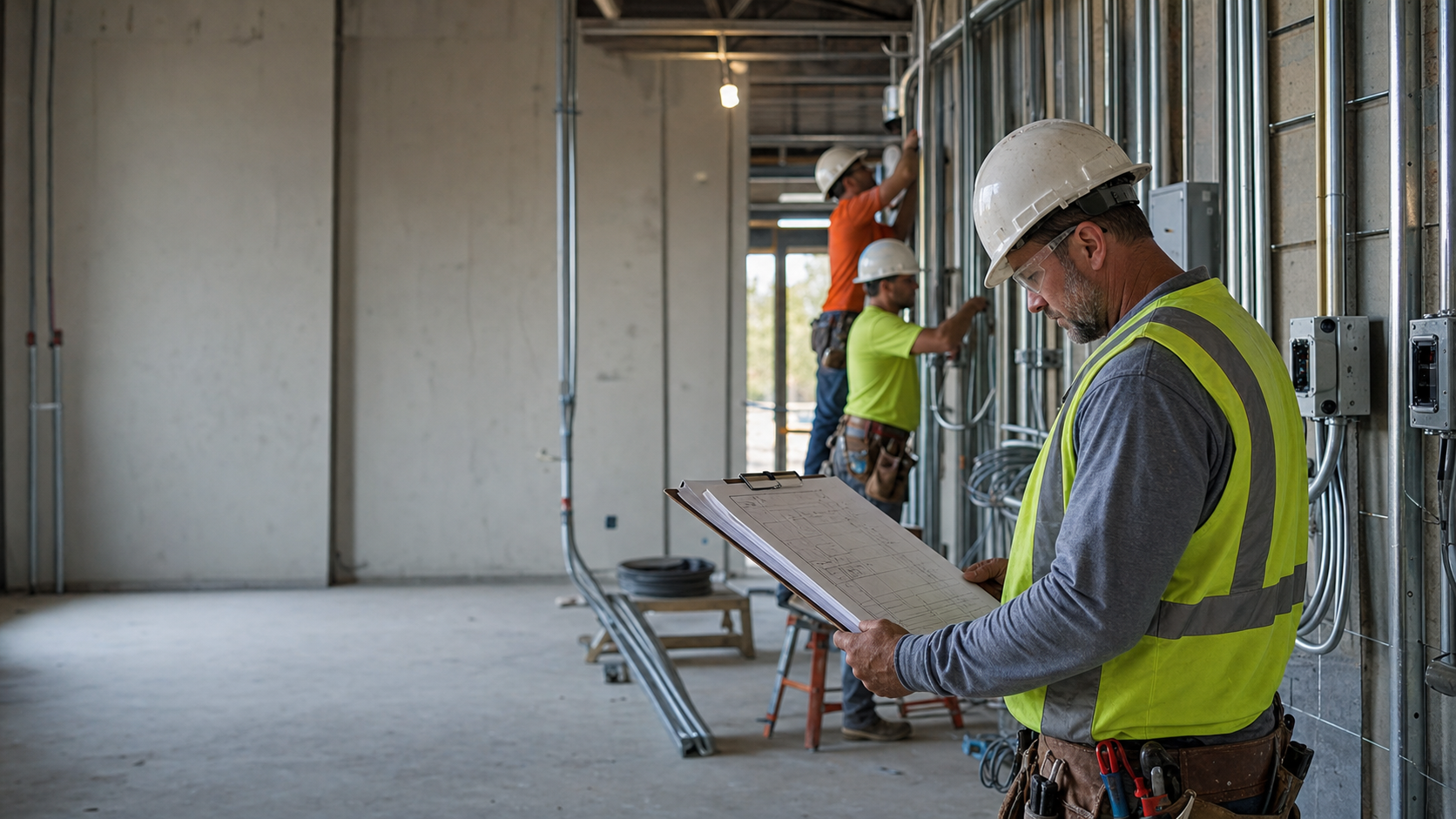
The foreman says the second-floor east wing is "about halfway." The timesheets say 88 hours against a 176-hour budget.
Halfway to what?
Most advice on how to track electrician productivity on job sites stops at a clock-in and a location pin. Both prove a man was standing on the site. Neither says what got installed while he was there.
Productivity is completed work per labor hour. Hours are one half of that fraction. Until somebody writes down the other half, you don't have a productivity number. You have an attendance record.
Below is the whole method, start to finish. It runs on a clipboard and a spreadsheet, and nothing in it requires you to buy anything.
What Counts as Electrician Productivity on a Job Site?
Electrician productivity is installed units per labor hour: devices set per hour, feet of pipe per hour, fixtures hung per hour, measured against what you carried for that same phase in the bid.
Attendance is a different measurement. Two crews can burn an identical 40 hours on the same floor, and one sets 120 boxes while the other sets 60.
The timesheets are indistinguishable. The jobs are not.
This number is a reading on the job, not a grade on the man. A crew running 15% over on a phase somebody bid at 0.80 hours per device is not necessarily a slow crew, it may be a wrong number, and the field record is the only thing that can tell you which.
That distinction matters more than it sounds. Measure output and the record protects the electrician when a GC claims the work took too long. Measure location and you have built a surveillance system that still can't tell you what got installed.
Why Hours Alone Can't Tell You Anything
Two completely different problems produce the exact same timesheet: a phase that is genuinely running slow, and a phase where the crew did extra work nobody wrote down.
Take those 88 hours on the east wing. They could be rough-in going slow. They could be 14 devices the GC added at a walk-through that never became a change order. They could be two days of standby waiting on the drywall crew.
The hours are identical in all three cases. The right response is different in all three.
Rework hides in the same place. On a timesheet with no description, rework hours and production hours are the same eight hours, and nothing in the record tells you that a run got pulled twice or that a wall got opened back up.
This is why the fix is not a better clock. It is a description attached to the hours.
8.77 hrs answers no question anybody actually asks. Thu 7:02a-3:48p, branch rough-in, 2nd floor east: set 8 device boxes, pulled 4 home runs to panel 2LB answers three at once: what it cost, how fast the work is going, and what the customer is paying for.
Step 1: Pick One Unit of Production per Phase
Pick a single countable thing for each phase, and count only completed ones. One unit per phase, chosen so the person who installed it can count it in five seconds at the end of the shift.
| Phase | Unit that works | What counts as one | Common mistake |
|---|---|---|---|
| Underground / site pipe | Feet of conduit, by size | A measured run, trenched and stubbed | Mixing 3/4" and 2" in one count |
| Branch rough-in | Device boxes set, home runs pulled | Box set, secured, mudring on | Counting boxes that are only nailed up |
| Feeders / wire pull | Feet pulled by conductor size, or terminations | One conductor pulled end to end | Counting the pull and the terminations twice |
| Gear set | Sections set and terminated | One section landed, leveled, bolted | Counting a section that is set but not landed |
| Trim / finish | Devices trimmed, fixtures hung | Device made up, plated, tested | Counting devices that still need plates |
| Fire alarm / low voltage | Devices installed and terminated | One device on the loop | Counting rough boxes as devices |
| Service work | Calls completed | One call closed, with the work described | Counting a call that needs a return trip |
You do not need a labor-unit book to start. NECA publishes a Manual of Labor Units and most estimating packages ship with a unit database, but your own last three jobs are a better baseline, because they carry your crew, your details, and your customers.
Getting that baseline takes one afternoon. Pull a finished job, divide the hours you spent on a phase by the units you installed in it, and you have your shop's hours per device.
Do that for rough-in, trim, and one service job, and you have enough to measure the next one against.
Step 2: Capture the Count in the Note the Crew Is Already Stopping to Write
One line per person per shift: hours, job and phase, what got installed, where, and how many. That line is the measuring instrument. Everything downstream is arithmetic on it.
Four parts, in the crew's own words:
- When: clock times, not a rounded total
- Where: job and area, specific enough to point at
- What: the work, in trade language
- How many: the unit count for that phase
Thu 7:02a-3:48p, branch rough-in, 2nd floor east. Set 8 device boxes, pulled 4 home runs to panel 2LB.
Split the hours the way the work split: call it 7 hours setting boxes and 1.8 hours on the home runs. Eight boxes in 7 hours is 0.88 hours per device, and four home runs in 1.8 hours is 0.45 hours each. The pull does not get folded into the device rate, because a pull and a device are not the same unit.
Neither of those numbers existed until the second half of the sentence did.
One shift is also not the phase rate. It is one row that rolls into the phase rate, and on this job the phase rate works out to 0.92 hours per device, which is the number you act on. That arithmetic is in the next section.
| What the record says | What you can compute | What a customer can follow |
|---|---|---|
| "Worked on the second floor" | Nothing | Nothing |
| "8.77 hrs" plus a GPS pin | Labor cost only | Nothing. It asks them to take your word for it |
| "Set 8 device boxes, 4 home runs to panel 2LB, 2nd floor east" | A day's unit count that rolls into the phase rate | The entire charge, line by line |
Do not build a form for this. A form is somebody else's paperwork, and the fields go blank as soon as nobody is watching.
A sentence survives, because a sentence is how a tradesman already describes his day to another tradesman.
Step 3: Compare Units Installed Against Hours Burned
Divide hours burned by units complete, then set that against the hours per unit you bid. If the actual number is higher, the phase is running over, and you know it while there is still job left to fix it on.
Here is the full arithmetic on one phase, with every input visible so you can substitute your own.
| Input (example: branch rough-in, 2nd floor east) | Value |
|---|---|
| Devices in the bid | 220 |
| Hours budgeted for the phase | 176 |
| Budgeted hours per device (176 ÷ 220) | 0.80 |
| Devices complete at end of week 2 | 96 |
| Hours burned at end of week 2 | 88 |
| Actual hours per device (88 ÷ 96) | 0.92 |
| Projected phase total at this rate (220 × 0.92) | 202 hours |
| Variance against the 176-hour budget | +26 hours |
Read it two ways. You have burned 50% of the budgeted hours (88 of 176) and installed 43.6% of the devices (96 of 220), so hours are running ahead of production by about six points.
If you talk to estimators, convert it to a performance factor. Earned hours are 96 × 0.80 = 76.8, and 76.8 ÷ 88 actual = 0.87, meaning you are getting about 87 cents of estimated work out of every hour on that phase.
Be careful with the convention. Some shops invert it and express the same phase as 1.15 (actual ÷ earned), where above 1.00 is over budget. Either is fine as long as your whole company reads it the same direction.
Example arithmetic on the money side: 26 hours over, at a fully burdened labor cost of $58/hour, is about $1,508 on this one phase. On T&M those hours are billable if the record explains them, and on a fixed-price job they come out of the margin. Run it with your own rate and your own variance.
For the full phase-code variance loop across an entire job, the deeper walkthrough is in estimated vs actual labor hours tracking, and the cost-code structure it depends on is covered in job costing for electricians.
Step 4: Take Out the Hours That Were Not Installation
On-site hours and installing hours are not the same number. Separate them before you judge any crew's rate, or the number will blame the wrong thing.
| Hour type | How to log it | What it changes |
|---|---|---|
| Supply house runs and material handling | Own line, with what was picked up | Comes out of the production denominator; often a stocking problem, not a crew problem |
| Standby waiting on other trades | Own line, with who you were waiting on | Documented delay. On most contracts this is a conversation with the GC, in writing |
| Rework and punch list | Own line, with the cause | Tells you whether the cause was your install, a design change, or damage by another trade |
| Change-order work not yet papered | Own line, flagged as added scope | The single biggest reason a phase looks over budget when the crew is running fine |
| Drive time between sites | Own line, with both addresses | Belongs in overhead or in the T&M terms, not in the install rate |
| Safety meetings, orientation, badging | Own line | Real hours, zero units. Large on some GC sites |
None of these are the crew's fault, and none of them belong in the same bucket as production hours. A crew that looks 20% slow with two standby days folded into the number is not slow.
The split between hours in the truck and hours with tools in hand is worth its own look, covered in drive time vs wrench time. If you want the same idea at the company level rather than the phase level, billable hours vs utilization rate covers that arithmetic.
Step 5: Read the Gap as a Diagnosis, Not a Grade
Compare percent of hours burned to percent of units installed. The gap between those two numbers tells you which problem you have, and the notes tell you which of them is true.
| What you see | Most likely cause | Where to look | What to do this week |
|---|---|---|---|
| Hours well ahead of units | Added scope nobody papered, rework, or standby | The notes for that week, line by line | If it is added scope, write the change order now, not at closeout |
| Units ahead of hours | The estimate carried more time than the work needed, or the crew found a better method | The note describing how they did it | Write the method down and price the next bid with it |
| Both tracking together | The estimate is holding | Nothing | Leave it alone and check again next week |
| Both behind | The job is stalled, not slow: access, materials, or another trade | The standby lines in the notes | Document the delay and notify the GC in writing |
Check it weekly. A phase running 15% over that you find in week two is a conversation about manpower, sequence, or a change order.
The same 15% found at closeout is just a number in the loss column, and by then the only person who remembers why is the apprentice who left in June.
How Do You Get the Crew to Write Any of This Down?
Ask for one sentence at clock-out, when they are already stopping anyway, tell them plainly that it is what explains the invoice, and never turn it into a form.
Six rules that make it stick:
- Ten seconds, before they leave the site. Not at the truck, not at the shop, not Friday from memory.
- Let them reuse yesterday's line. Most days are the same work with a different count. Editing a number beats writing a sentence.
- Their words, their abbreviations. "Set 8 boxes, 2nd flr east" is a complete note. Nobody needs full sentences.
- Tell them the reason, honestly. Not "so I can see where you are." Try "so when somebody says this took too long, I have the day it happened and what went in."
- Never punish a note or a number. The first time a note gets somebody chewed out, the notes turn into "worked on second floor" forever.
- Show them the page it lands on. When a crew sees their own line printed on the document that goes to the customer, it stops reading as paperwork.
The Record That Measures the Crew Is the Record That Explains the Invoice
The line that gives you 0.92 hours per device is the same line that answers "what am I paying for?" One habit, two payoffs, and the second one is usually worth more than the first.
A T&M invoice asks the customer to take your word for it. When they can't reconstruct the charge, they don't conclude they misunderstood, they conclude they got padded.
The charge was fair. The explanation was missing.
"Three guys for two days, on what?" ends the moment they can read the date, who was there, what got installed, the hours, the rate, and the amount, in that order.
You can see what that document looks like, filled in and annotated, at the sample billing packet. The blank forms behind it, including a daily field report and a labor backup sheet you can hand out tomorrow, are in the T&M billing backup kit, and the terms that make it stand up are in T&M billing best practices.
Running the Whole Method on Paper
A clipboard, a phase list with budgeted hours, and one line per person per shift is enough to run every step above. The arithmetic is fifteen minutes on a Friday.
The weekly routine:
- Total the hours by phase from the timecards
- Total the completed units by phase from the notes
- Divide hours by units and compare to the bid rate
- Pull the notes on any phase more than 10% over
- Write down the one corrective action, and who owns it
That is the only real argument for software here: any time-tracking app that stores a free-text note per shift and tags hours to a job and phase does steps 1 through 3 for you. FieldTimesheet stores the note and the job but has no phase or cost-code field, so the phase goes in the note or each phase gets its own job. The method belongs to you either way. Start it on paper this week and you will know whether it is worth automating.
Blank timesheets, field reports, and job-costing sheets are on the templates page, and if you want to put numbers on the hours that never make it onto a timesheet at all, the unbilled-hours calculator runs that arithmetic with your crew size and your rate.
Frequently Asked Questions
What unit should I use to measure electrician productivity?
One countable unit per phase: devices for rough-in and trim, feet of conduit for pipe, terminations for gear and controls, completed calls for service work. The test is whether the person who installed it can count it accurately in five seconds without walking the floor again.
What is a good productivity factor for an electrical crew?
There is no universal number worth chasing, because a 0.85 on a hospital corridor and a 0.85 on an open warehouse ceiling mean completely different things. Build your own benchmark from your last three finished jobs, then judge new work against your history rather than against a published figure.
Does GPS tracking measure productivity?
No. A location pin proves a person was inside a geofence, which is attendance. Two electricians can sit on the same pin all day and install wildly different amounts of work, and no location data will ever tell the two apart.
How do I track productivity if my estimate is not broken into phases?
Break the remaining work into four to six phases yourself and assign each a share of the total bid hours. It will be rough the first time, and rough beats having no denominator at all, because after one job the actuals become the estimate for the next one.
How often should I check productivity on a job?
Weekly, on any job longer than two weeks. Daily is noise, since one bad-weather day or one late material delivery will swing a small unit count hard, and closeout is too late to do anything but write it up.
How do I handle apprentice and journeyman hours in the same number?
Track the crew mix alongside the hours, because a phase run three-to-one apprentice will show a different rate than one run by two journeymen, and that is expected rather than a problem. Compare like crews to like crews, and note the mix in the record so next year's bid can price it.
Can I measure productivity on T&M jobs, or only fixed-price?
Both, and T&M is where the record pays twice. You still want to know your install rate for future bidding, and on T&M the same unit counts and field notes become the backup that gets the invoice approved without a phone call.
Do I need software to track electrician productivity?
No. Every step in this article works with a clipboard, a phase list, and a spreadsheet, and that is a perfectly reasonable way to run it. Software mostly saves you the sorting and the retyping, which starts to matter somewhere past two or three concurrent crews.